 OS University™
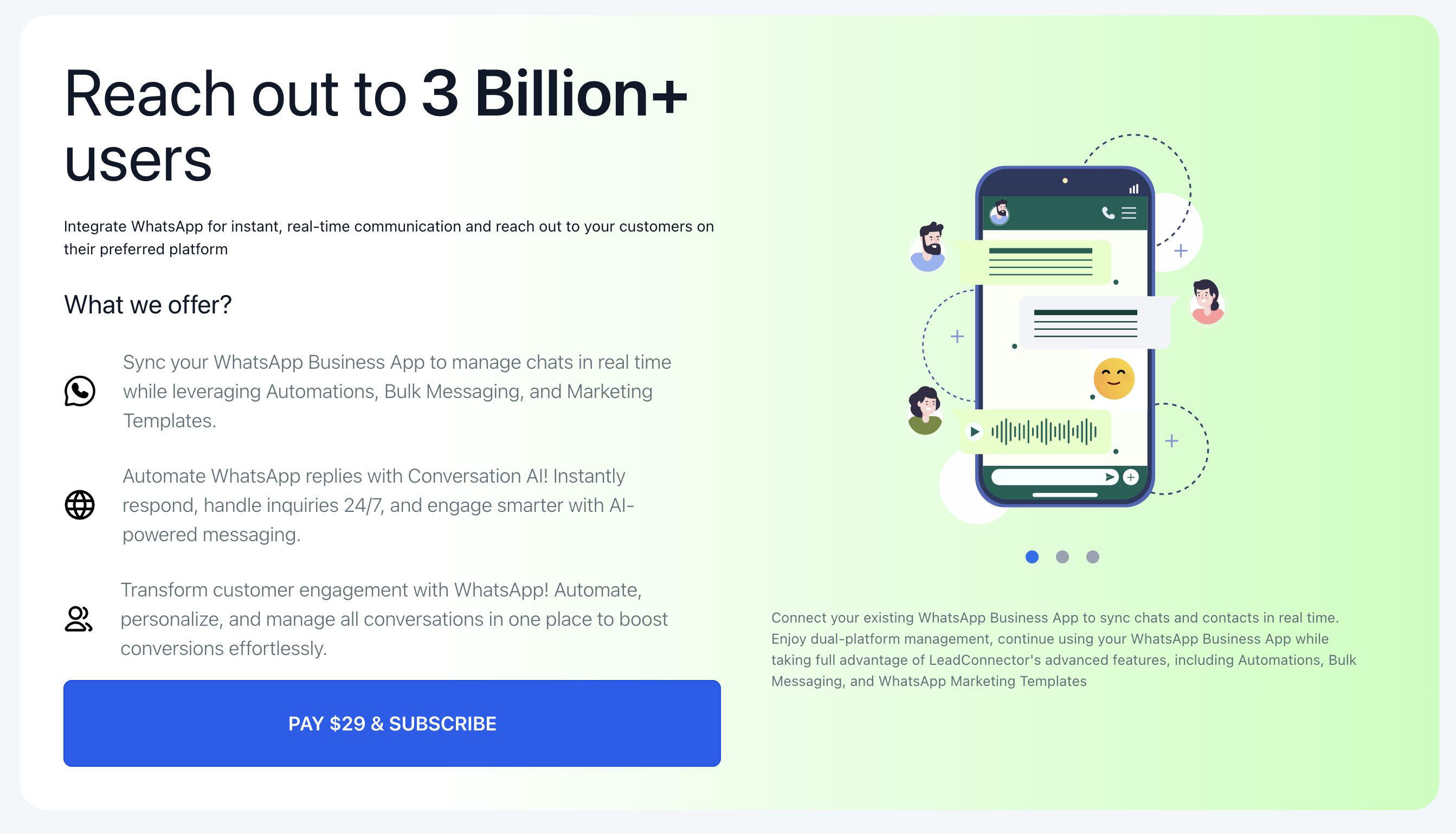
WhatsApp Number
Module: Messages • Image Guide
Overview
Learn how to connect a WhatsApp Business number to your account so you can send and receive WhatsApp messages directly from your unified conversations inbox.
Step-by-Step Instructions
1
Step 1: Go to WhatsApp Settings
Navigate to Settings > WhatsApp in your left sidebar to begin the integration process.
2
Step 2: Connect Account
Follow the prompts to log into your Meta/Facebook account and select your WhatsApp Business profile.
3
Step 3: Verify Number
Ensure the phone number you are connecting is not currently active on a standard personal WhatsApp app. It must be available for the WhatsApp Business API.
4
Step 4: Create Templates
Because WhatsApp requires pre-approved templates for outbound marketing messages, navigate to the Template section and submit your first message template for Meta's approval.
Common Mistakes
- Trying to connect a phone number that is currently active on a personal WhatsApp app (you must delete the personal account first).
- Attempting to send outbound promotional messages without getting the template approved by Meta first.